Photo and screenshot recognition
Use a camera photo of a physical board or a screenshot from a supported word game. You can correct a letter, a blank tile or the board angle when needed.

Scrabboard Solver · Android
Take a photo of a real board or import a screenshot. Scrabboard Solver recognises the board and letters, then shows playable words ranked by score on your Android phone or tablet.
Choose the dictionary and board type, check the recognised letters and explore your best moves. Image recognition runs locally on your device.
Install on Google PlayFree to download. Contains ads and in-app purchases.
Use a camera photo of a physical board or a screenshot from a supported word game. You can correct a letter, a blank tile or the board angle when needed.
Compare playable words and their scores, then view their positions on the virtual board. Choose the dictionary that matches your game.
Ask for clues such as the score, word length or first letter. Try finding the move yourself before revealing the full solution.
The recognition models run on your Android device. Your board photo does not need to be sent to a remote recognition server.
Check the remaining tiles to consider possible future racks and plan the next stage of your game.
Save your game to return to the analysis later. Export the position in CGP format to keep it or share it for further analysis.
Browse examples of board detection, recognised letters, solutions and hints. Your results depend on the image quality and the dictionary and board you choose.
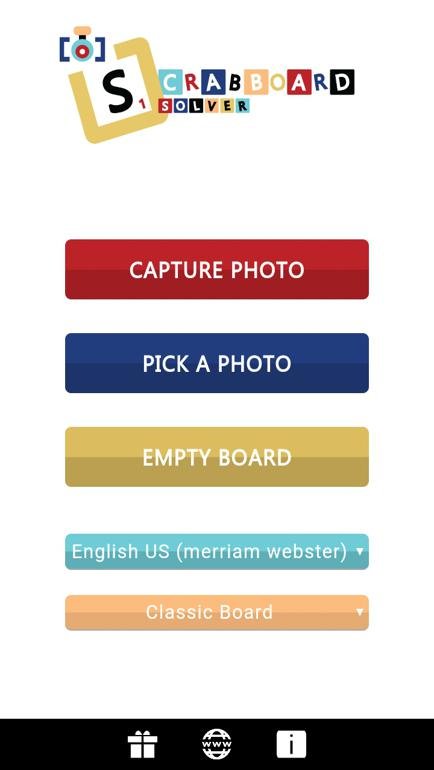
Take a camera photo, choose an image from your gallery or start with an empty board to enter a position manually.
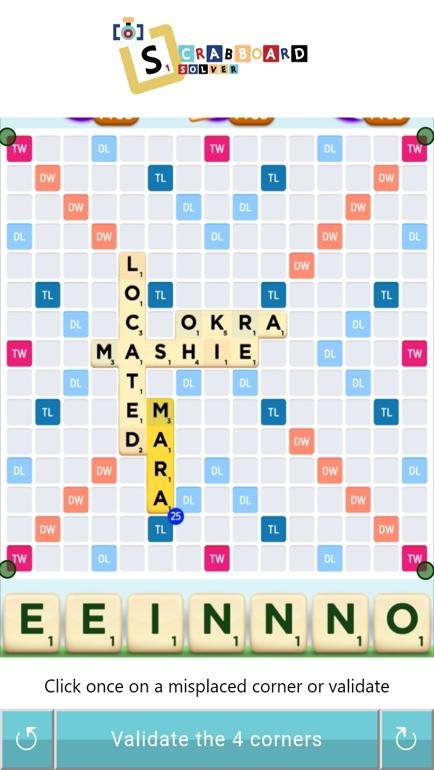
The application detects the four board corners in your photo or screenshot. Check the framing and adjust the board angle if needed.
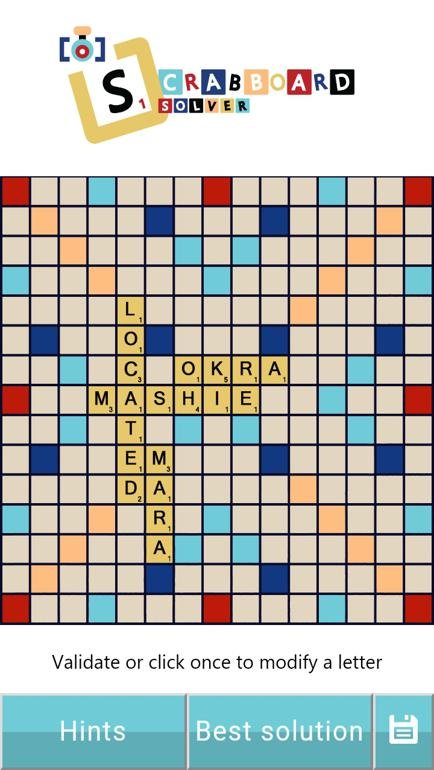
Check the recognised letters on the virtual board. Add or correct a letter and specify blank tiles before calculating moves.
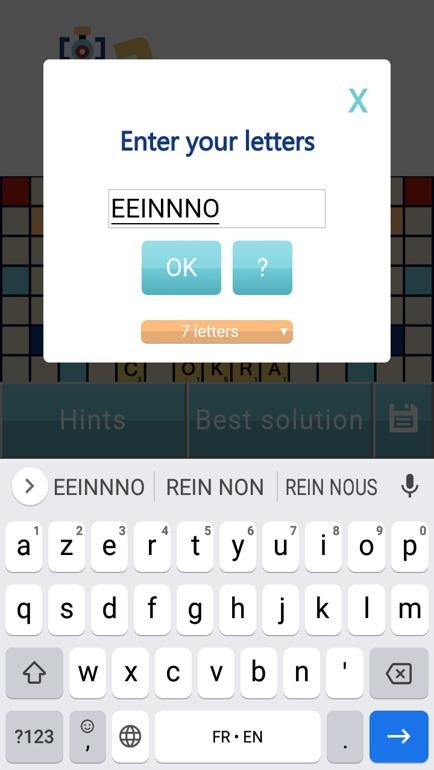
Rack letters are recognised from the image. Compare them with the original photo or screenshot and correct them if needed.
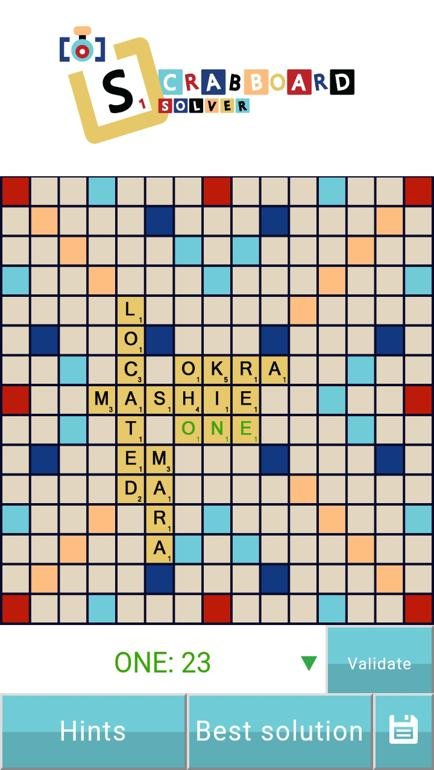
View a suggested move on the virtual board. Use the solution list to compare playable words and their scores.
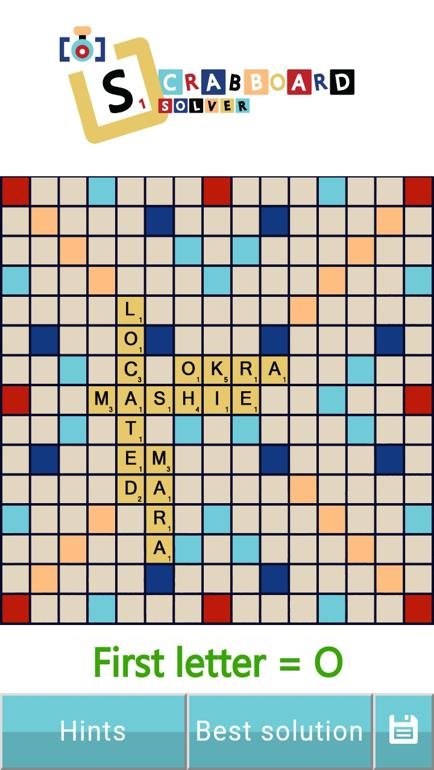
Work out the word using hints: score, first or second letter, word length, direction and starting position.
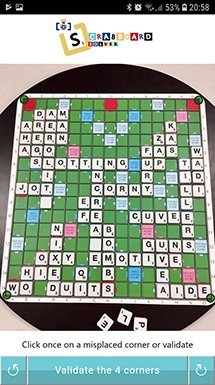
Photograph a real board and check the recognised letters. Compare your idea with the suggested moves or ask for hints.
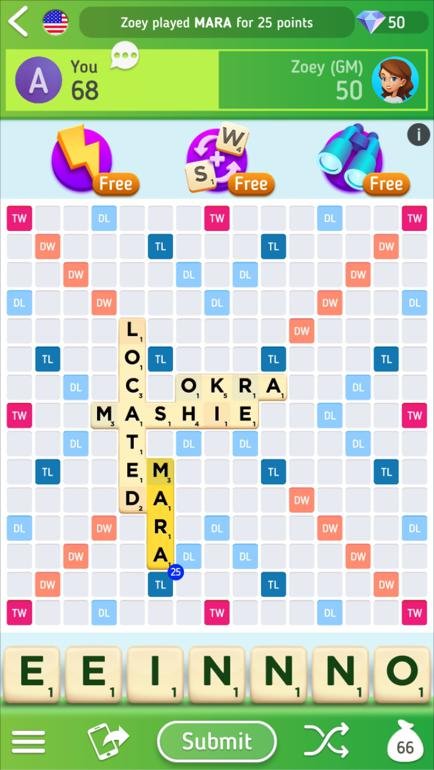
Import a screenshot from a supported game to analyse the position. Choose the matching board and dictionary before comparing words.
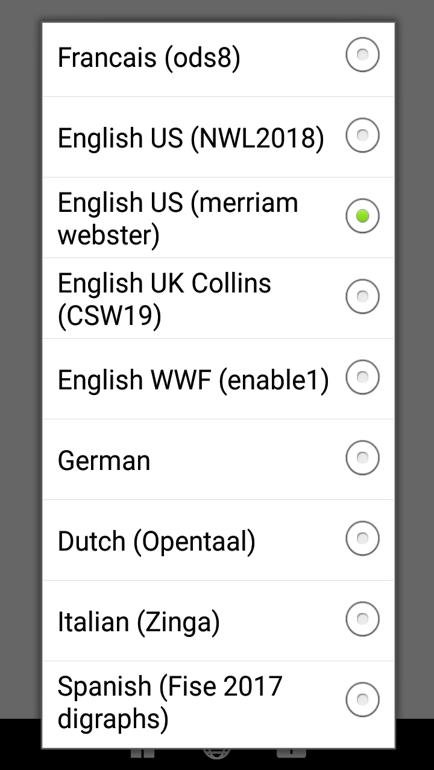
Select the word list used in your game, such as ODS9, NWL2023 or Collins CSW2024. Find the current options in the dictionary section and guide.
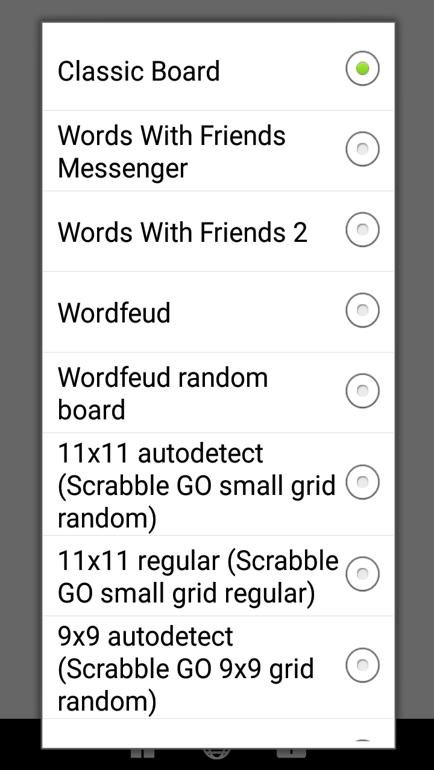
Bonus square layouts differ between games. Select the board type that matches your photo or screenshot.
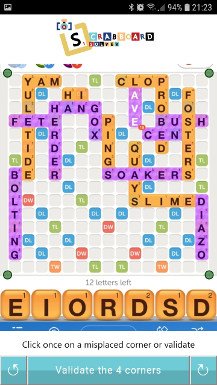
An example of Words With Friends 2 board detection. Check the rack, letters and dictionary before analysing the position.
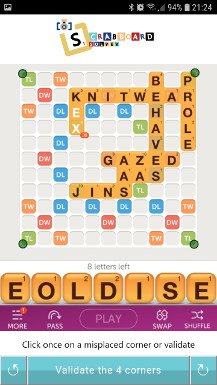
A recognition example using a Words With Friends Messenger board. This screenshot shows an existing application interface.
Scrabboard Solver supports physical Scrabble boards and screenshots from several word games. Always choose the board and dictionary that match your game.
See the board recognition and solution display in action. The guides explain how to prepare an image and check the result.
Yes. Include the entire board, use even lighting and avoid reflections. Check the recognised letters before comparing solutions.
Yes, for supported games such as Scrabble GO, Words With Friends 2 and Wordfeud. Select the matching board type and dictionary.
You can adjust the recognised position manually, including letters and blank tiles. A sharper image with less glare can also help.
The application is available for Android phones and tablets on Google Play. Check the store listing for compatibility with your device.
It is free to download and contains ads and in-app purchases. Google Play shows the available purchase options.
No. Image recognition runs locally on your device. See the privacy page and Google Play listing for the application’s data information.
Yes. ODS9 is among the available French word lists. Select the dictionary used by the game you are analysing.
For feedback or help, email the developer. Mention your device, application version, game and dictionary so the problem can be understood.
Install on Google Play